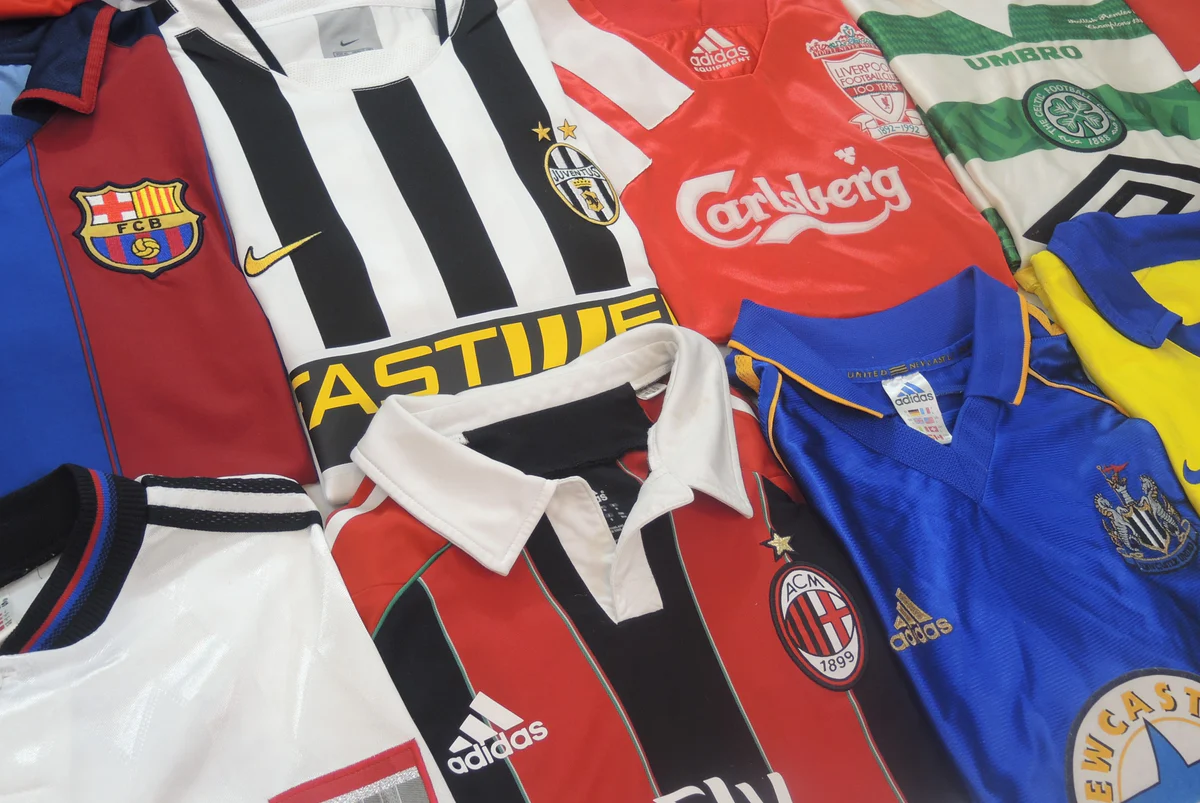
A small but useful update to the collection this week. Three new fields are now available when you add or edit a shirt.
Sold shirts
You can now mark a shirt as sold. When you do, it moves out of your active collection and into a private sold archive. You can optionally log what you sold it for and when.
This keeps your active collection clean without losing the history. The shirt stays in your account, just out of the main view.
Sleeve length
You can now record whether your shirt is short sleeve, long sleeve, or sleeveless. For most modern shirts this is straightforward, but for collectors with a lot of older kits, the long sleeve version is often the rarer and more interesting one to document.
The field defaults to short sleeve when you add a new shirt, since that is the most common. You can change it to long sleeve, sleeveless, or leave it as unknown if you are not sure.
Edition
This one is for collectors who care about the difference between what was sold in the shop and what was worn on the pitch. You can now record which edition you own:
- Fan / Stadium: the version sold to the public
- Authentic: the older term used by Adidas and others from roughly the mid-1990s onwards for the pro-spec version
- Player version: the modern equivalent, current terminology used by Nike, Adidas, Puma and others
- Match issued: a shirt prepared for a specific match but not worn
- Match worn: worn in an actual match
The distinction only started to matter from around 1995, when brands began producing separate versions for players and fans. For shirts before that era, you can leave the field blank.
Where to find these
All three fields are in the add and edit forms under the details section. You can also update them directly from the collection manage page, either one at a time by clicking the value in the table, or across multiple shirts using the bulk update bar.